For senders
Post your goods, compare offers
- Offers from verified drivers
- One total price, paid at delivery
- The recipient confirms by link
Pickups and mini trucks · Uzbekistan
Send a sofa, a fridge or building materials between cities on a trip that’s already planned. Drivers earn extra on the way back.
Senders and drivers
For senders
For drivers
Matching
The app rules out what can’t work before anyone commits: route, timing, and weight and space on every leg. Everything is checked again when you accept an offer.
How matching worksWhat, from where, to where and when. A photo is optional.
Drivers in the pickup region see the load, nearest first, and send a price.
The space is held briefly and rechecked, then the booking is confirmed.
Booking mode
Your goods travel with other compatible loads. Weight and space are checked on every leg of the route.
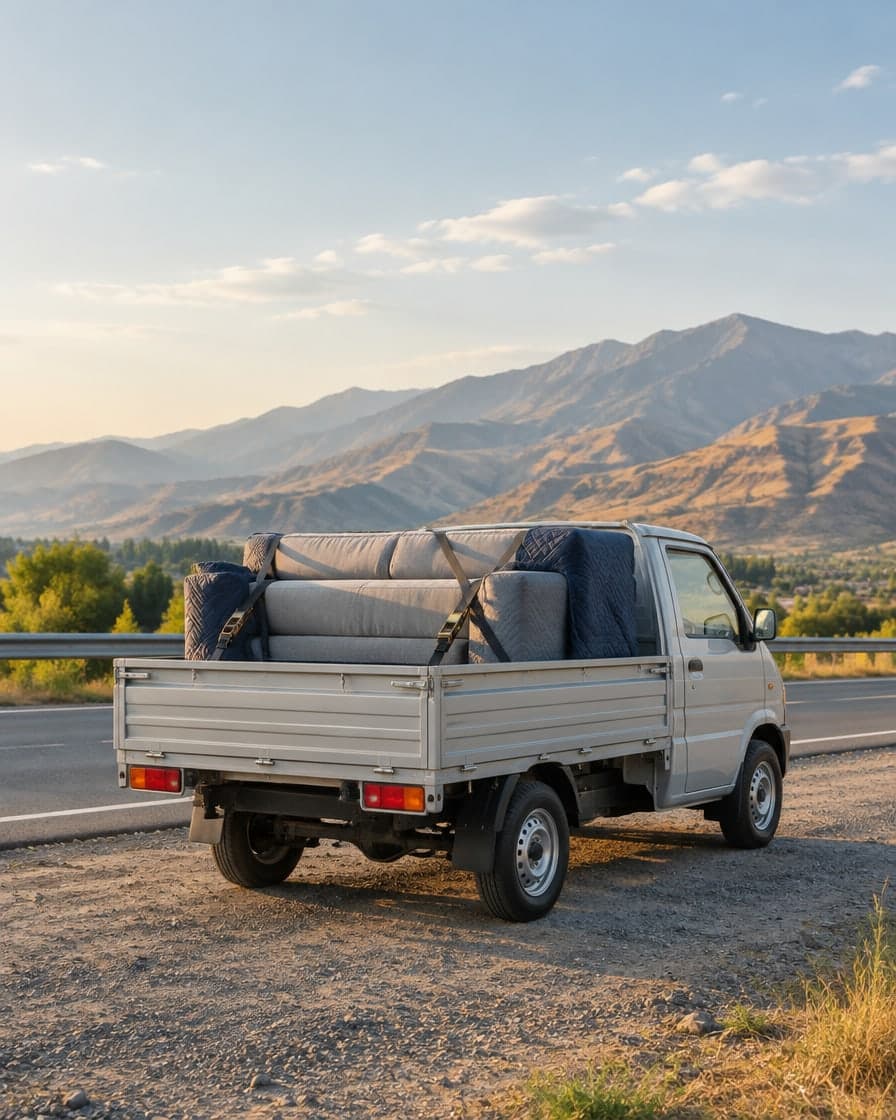
Example: 4 boxes of tiles and a sofa in one Isuzu
Documents and body photos are reviewed by our team before any booking.
Drivers quote all-inclusive. Nothing is added after you confirm.
A code, the item count and photos at pickup; photos and the recipient’s confirmation at delivery.
Every booking has a problem button and a case number.
Routes
You can post a load between any two places in Uzbekistan. Drivers see loads in their own region first, and when nobody has offered yet, we say so.
All routesOther routes are open too: post your load and drivers in that region see it.
Rules, cancellations and privacy in full: Help centre
Ordinary bulky household goods and properly packaged materials: furniture, appliances, boxes, building materials. Refrigerated goods, animals and dangerous goods are not accepted yet.
Measure the packed goods’ length, width and height. If you can’t, choose the amount in words and add a photo if you have one. The driver confirms the goods fit by sending an offer, and they are checked again at pickup.
Before pickup, you can cancel under the cancellation terms you accepted. Payment and refund status are shown separately. After pickup, contact support to agree a safe handover or recovery plan for the goods.
The driver quotes one all-inclusive price. There’s no commission at launch, so the driver keeps the full amount. The payer pays at delivery: cash goes straight to the driver, and an inPAY payment counts once the provider confirms it. Payment status is tracked separately from delivery status.
No. Public listings and share cards show city-level routes, the cargo category and general details. Exact addresses, map pins and phone numbers stay private and are accessible only to authorized booking participants.
The app is coming to the App Store and Google Play. Posting cargo will take about three minutes.
Not in the stores yet.